
See how Run and Grow work.
Follow a Run or Grow finding from detection to approved action and retained context. Screens use anonymised product data; missing screens are labelled placeholders.
One Run or Grow finding through the loop.
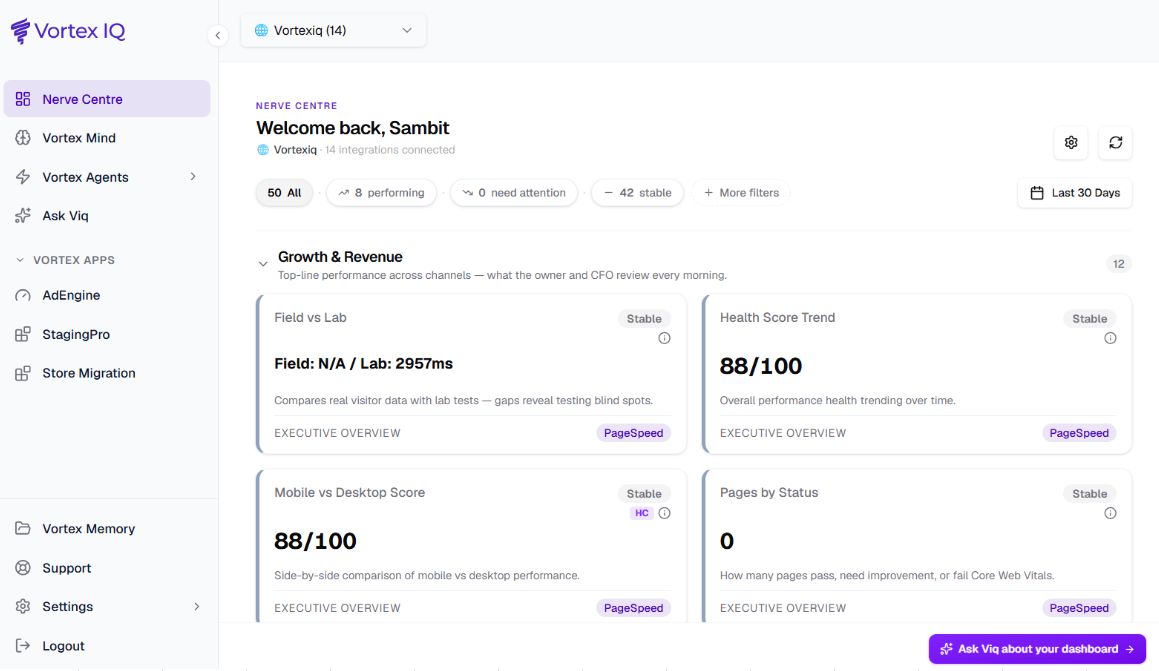
A finding surfaces while there is time to act.
Nerve Centre watches the connected signals you select and flags a finding with the available impact context.
Nerve Centre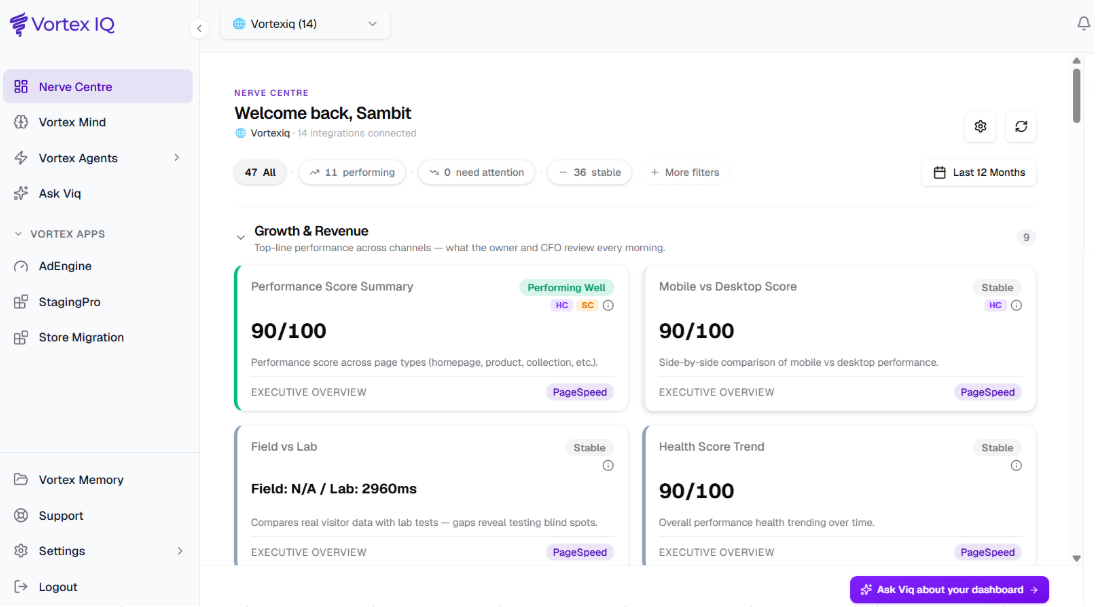
The root cause, explained in plain English.
Vortex Mind investigates the finding. Ask Viq explains the result with the available evidence, so your team can decide what happens next.
Vortex Mind and Ask Viq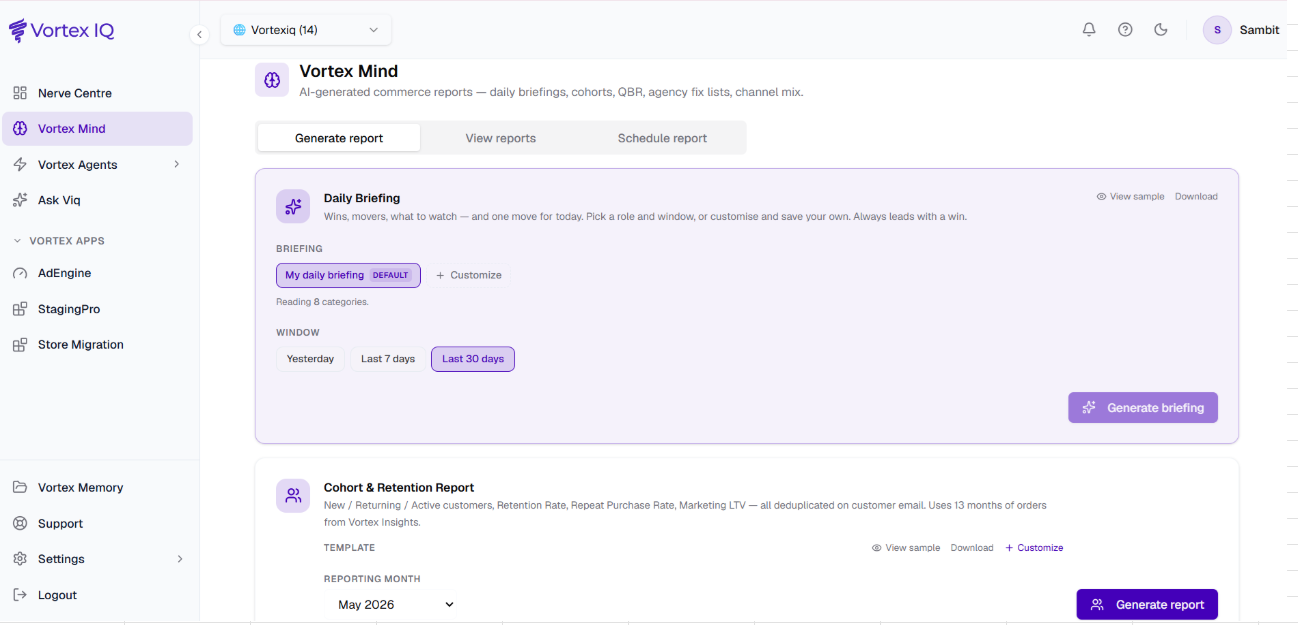
Turn the finding into tracked work.
Vortex Agents turns an approved finding into bounded work. Available actions depend on the connector, plan, permissions and workflow.
Vortex AgentsA tracked agent task with scope, permission and approval state
Approve, stage and roll back where supported.
Vortex Apps provides staging, backup and rollback for supported commerce-platform workflows. You review the proposed change before it reaches production.
Vortex Apps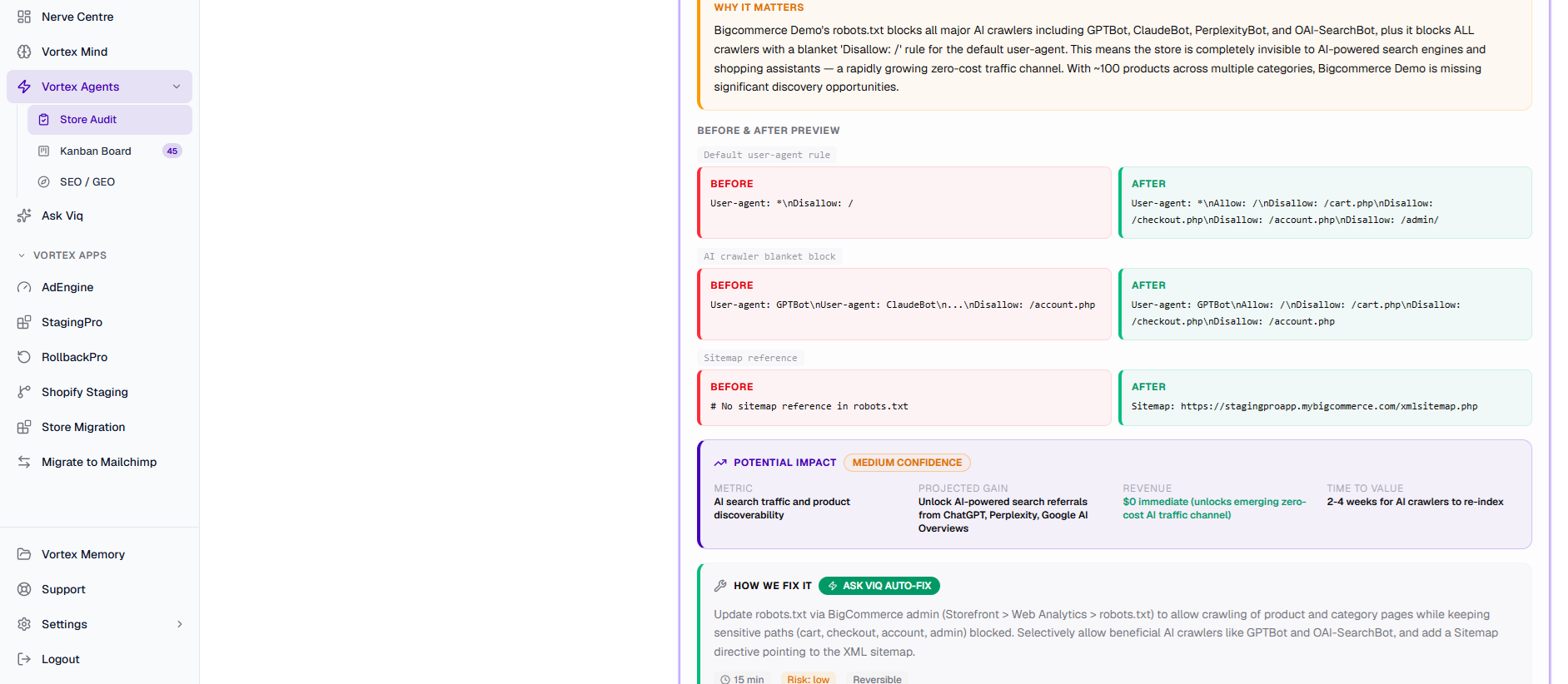
Keep the context for the next decision.
Vortex Memory retains the signals, fixes and decisions that Vortex IQ can use as context for later work on the same store.
Vortex Memory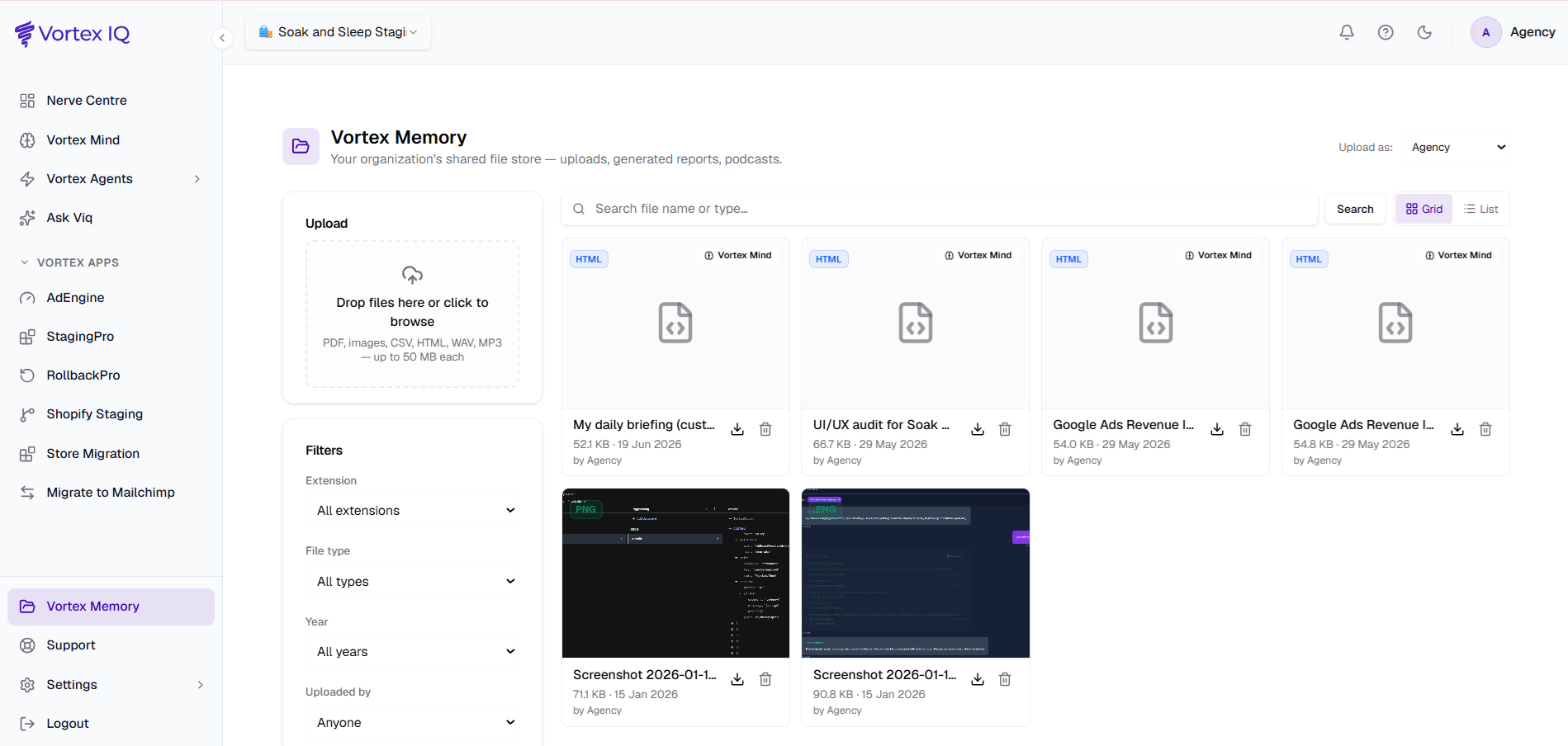
The fastest way to believe it is to run it.
A free, verified audit shows the same loop working on your own store, ranked by impact.



